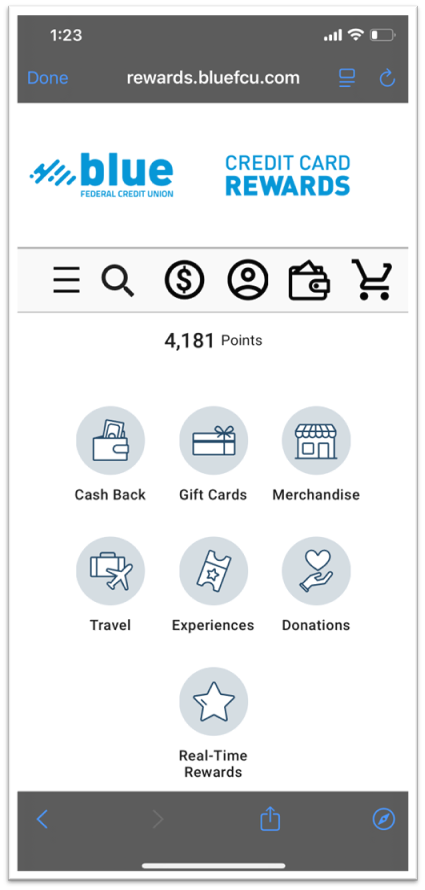
To access your credit card rewards, start by logging into Blue Digital on your mobile app.
From the main My Accounts page, scroll down until you see your credit card and press directly on it.
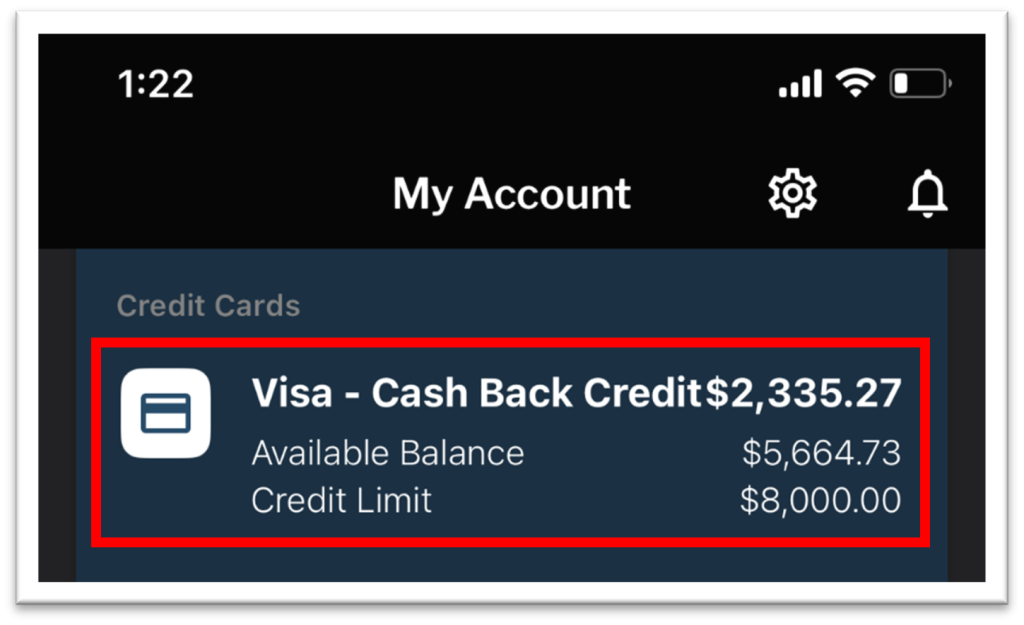
From the credit card page, select “Details.”

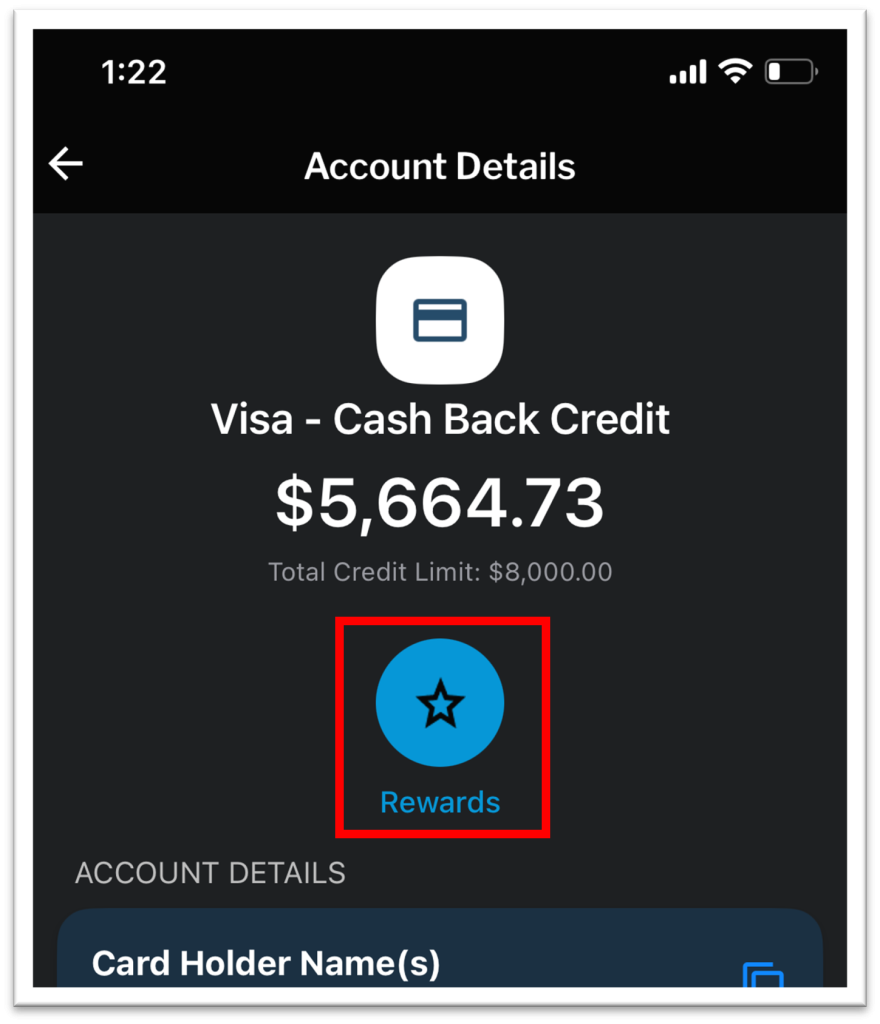
From the Account Details page, select “Rewards.” You may need to wait several seconds for the Rewards button to load.
If this is your first time accessing Credit Card Rewards, you may need to accept the Terms & Conditions and verify login information. Once you have done so, you will be taken to the rewards portal.