
1. To change your password, click on the profile icon at the top of the landing page.

2. On the dropdown menu, click on “My Profile.”

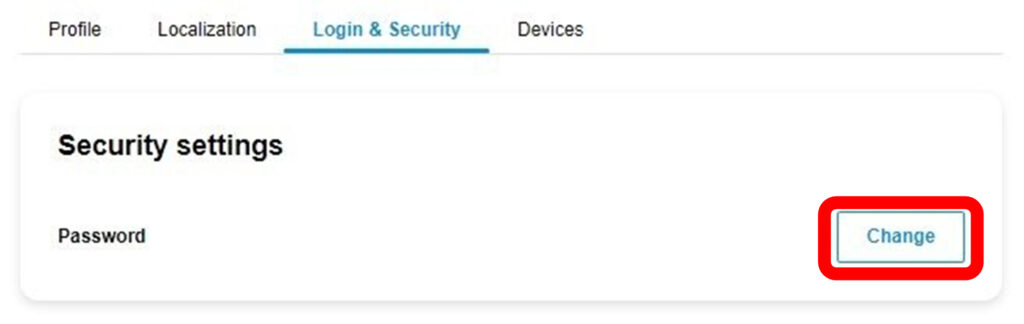
3. Select “Login & Security.”

4. Click on “Change.”
5. You must enter your current password as well as your new password. Be sure to follow the password requirements.
6. Click on “Change Password” to save your changes.
