To Skip-a-Payment on your loan, start by logging into Blue Digital using a web browser.
From the main My Accounts screen, scroll down until you see your loan and click directly on it.
After you have selected your loan, a new page with only your loan details will load. Select “Skip-a-Pay.”

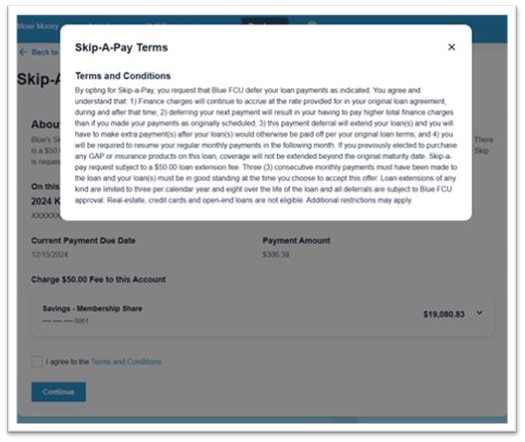
Carefully review the Skip-a-Pay information and view the Terms and Conditions by selecting “Terms and Conditions” near the bottom of the screen.

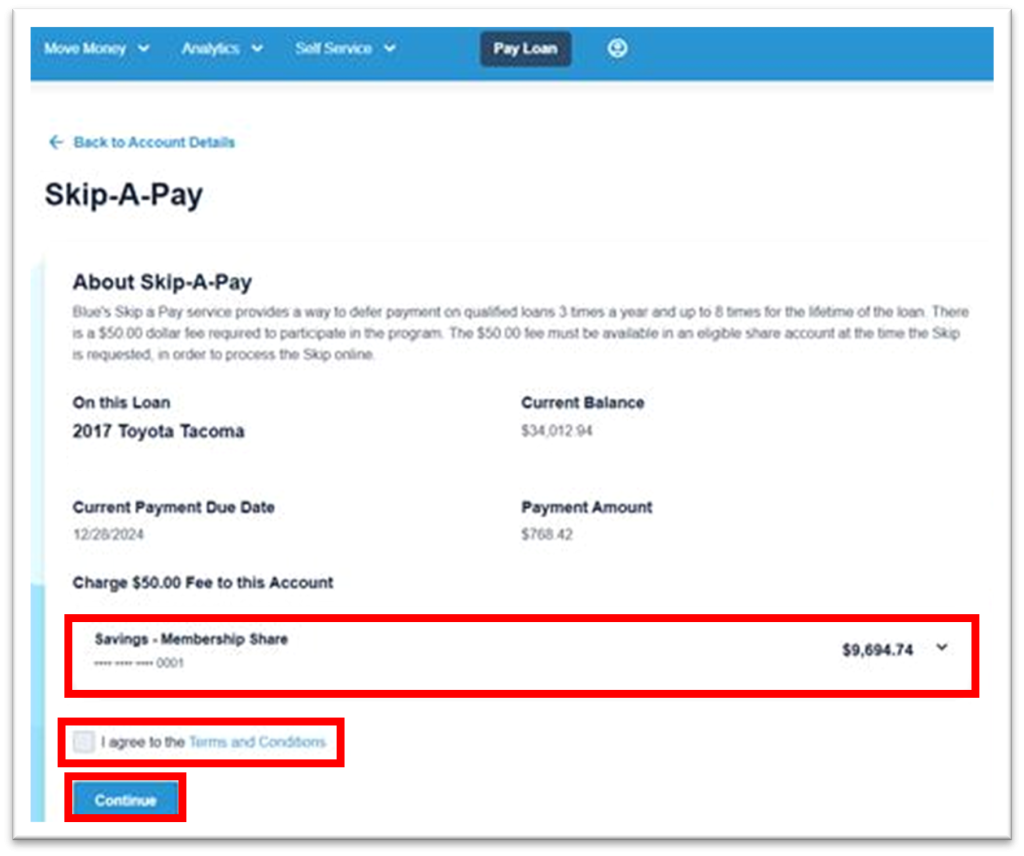
If you would like to proceed, select the account from which to pay the fee, click on the checkbox next to “I agree to the Terms and Conditions” and select “Continue.”
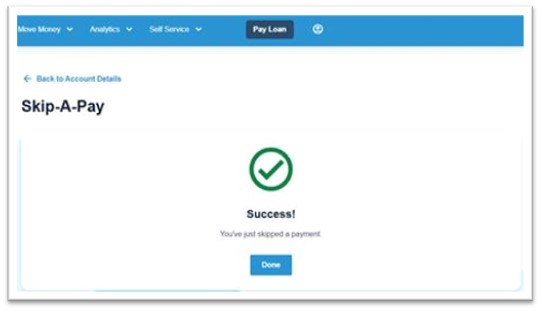
Review the Skip-A-Pay details and select “Confirm Skip-A-Pay” to finalize the transaction.