To Skip-a-Payment, start by logging into Blue Digital on your mobile app.
From the My Accounts screen, scroll down to your loan and press directly on it to open the loan Account Details screen.
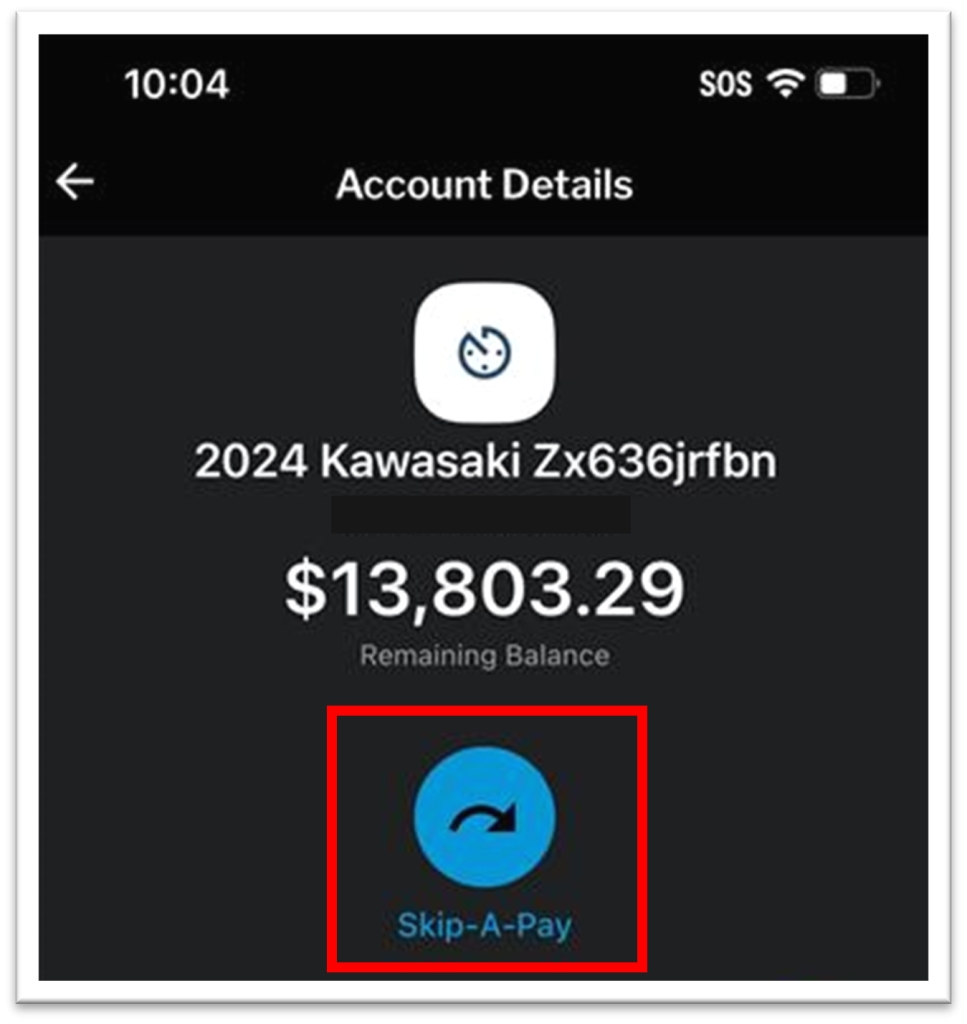
From the Account Details screen, select “Skip-a-Pay.”
Read through the Terms and Conditions before selecting either “Accept” or “Decline.” Selecting “Accept” will proceed to the next screen.

Choose the account from which to pay the Skip-a-Pay fee.

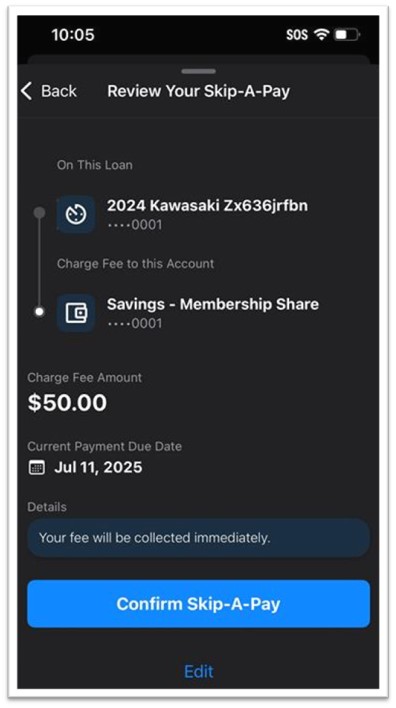
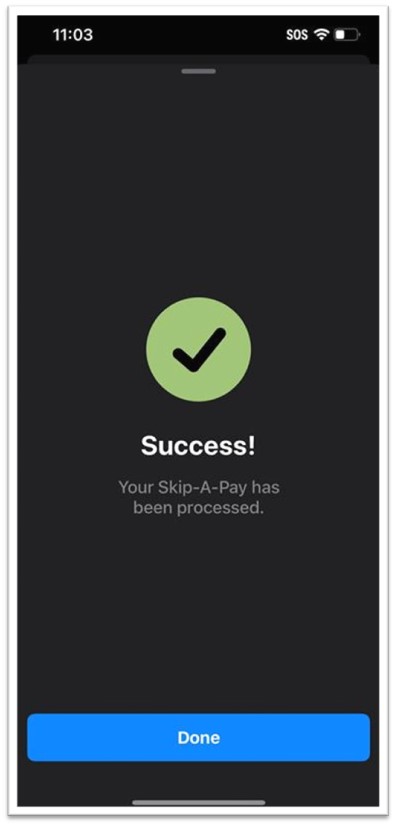
Review the details, then select “Confirm Skip-a-Pay” to finalize the transaction.