
Check images of withdrawn items are available in both the mobile app and the browser version of Blue Digital.
If you need an image of a deposited check, please reach out to Blue at 1-800-368-9328 or visit a Blue FCU branch.
Mobile app instructions:
From the My Account page, select the checking or draft account from which the check was withdrawn.
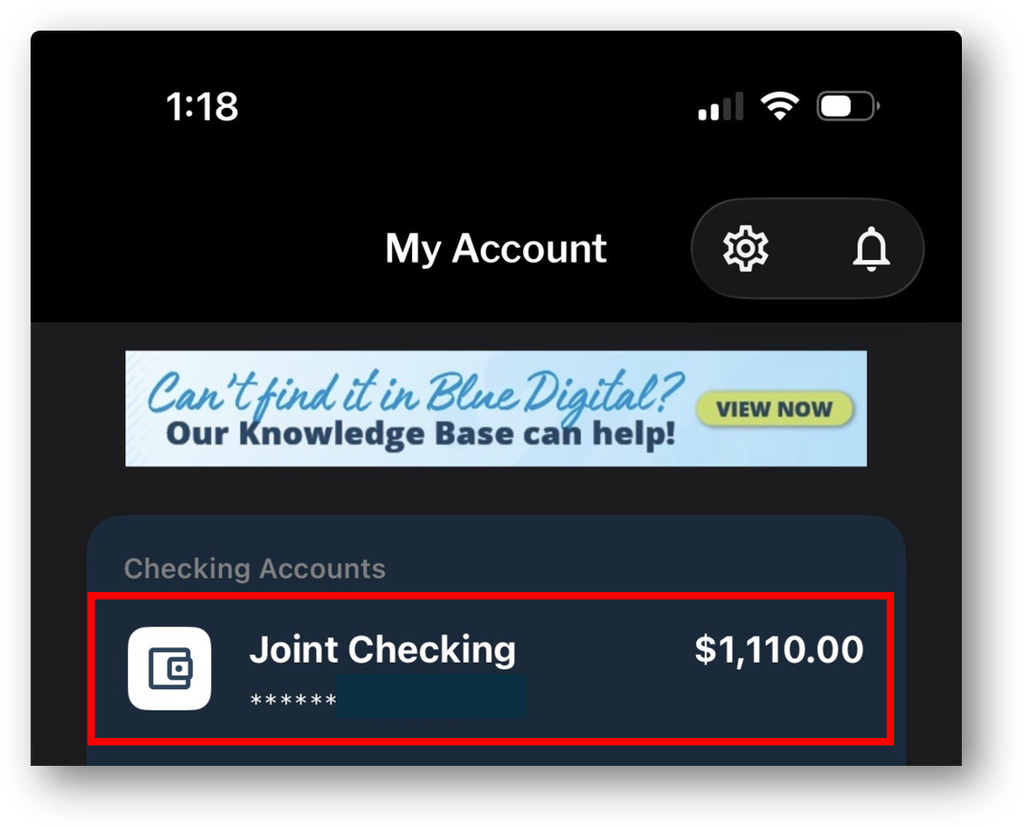
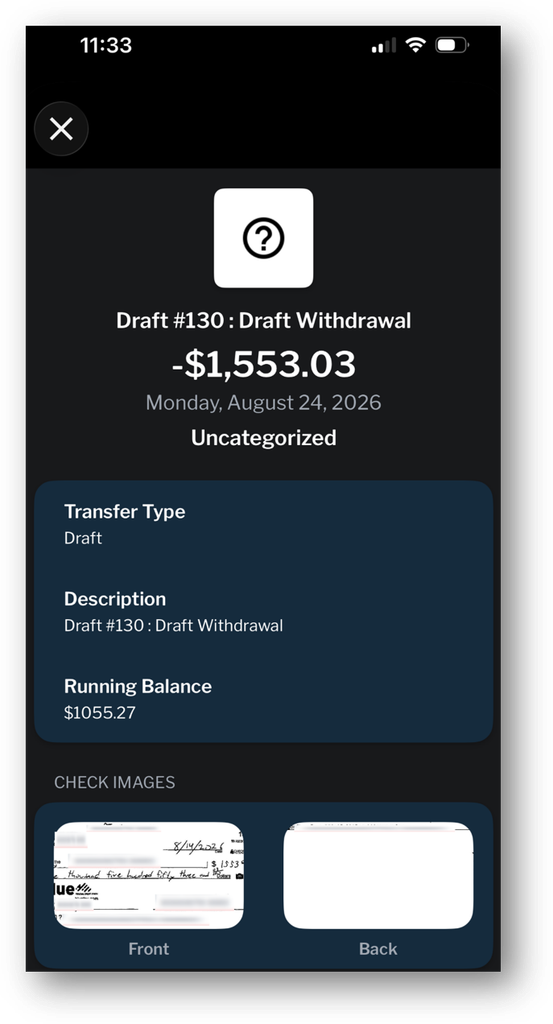
Search for and locate the transaction. then select it.

The transaction screen will open and it may take a few seconds for the check image to load. Press directly on the front or back of the check to load a larger image.
Browser instructions:
From the My Account page, select the checking or draft account from with the check was withdrawn.

Search for and locate the transaction, then select it.
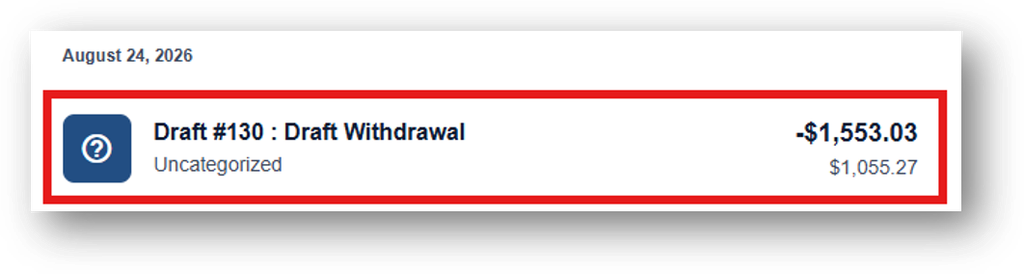
The transaction screen will open and it may take a few seconds for the check image to load. Click directly on the front or back of the check to load a larger image.
