1. Download the Blue Digital app from the App Store
2. Open the app and login
3. Select an account on which you are primary
4. Press the Statements button
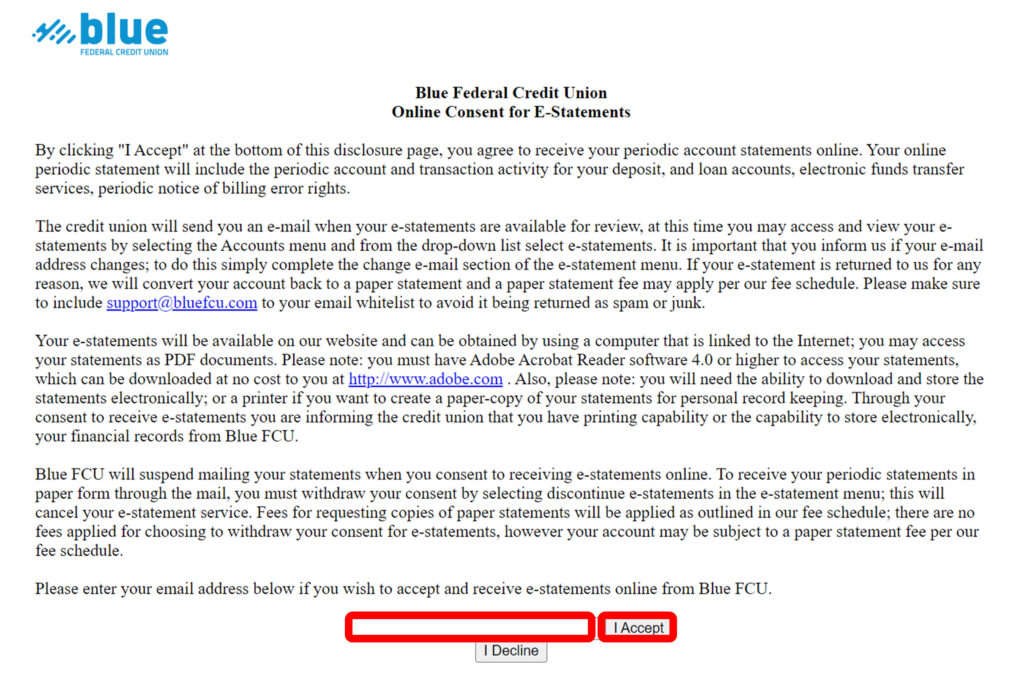
If you have not previously enrolled in eStatements, you will need to read and accept the Online Consent for E-Statements by entering your email address and selecting “I Accept”