Start by logging into Blue Digital using a web browser.
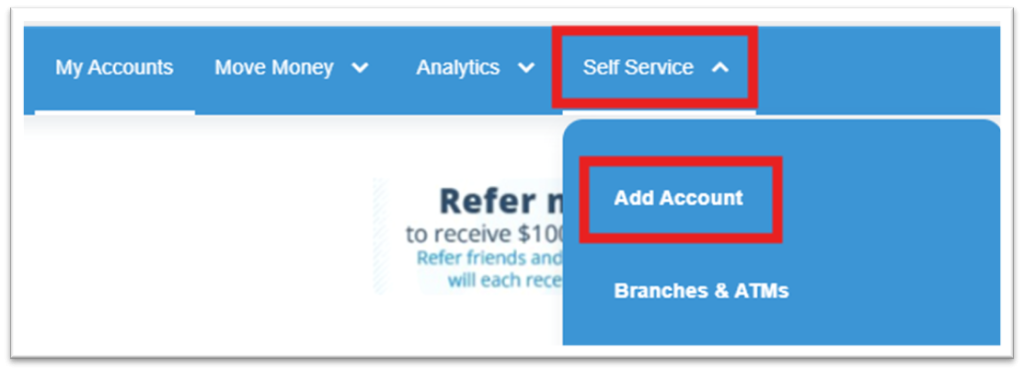
After logging in, select Self Service and a dropdown menu will appear.
Select Add Account.
After a moment, two options will appear beneath Choose Account Type.
To add a Term Share, select View details underneath Term Shares.

Select Learn more.
The available Term Share types will appear. Select Learn more next to the Term Share you would like to add.
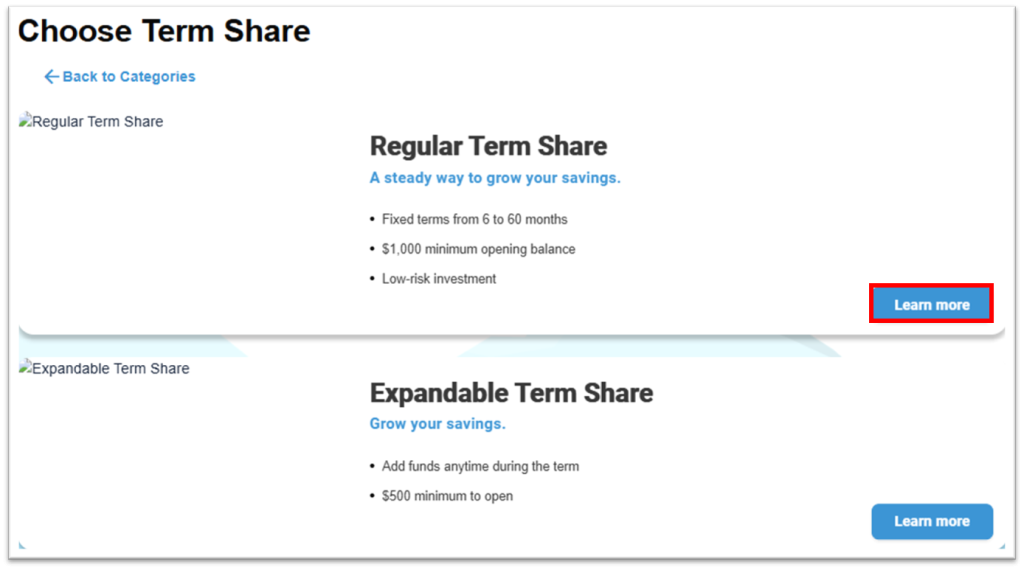
Select the dropdown arrows next to each term to view the rates. To proceed, click Select Term Share.

Select the Account Number on which you would like to add the new Term Share.
Select an existing account from which you would like to move funds for the opening deposit of your new Term Share, and enter the amount.
Select Continue to Review.

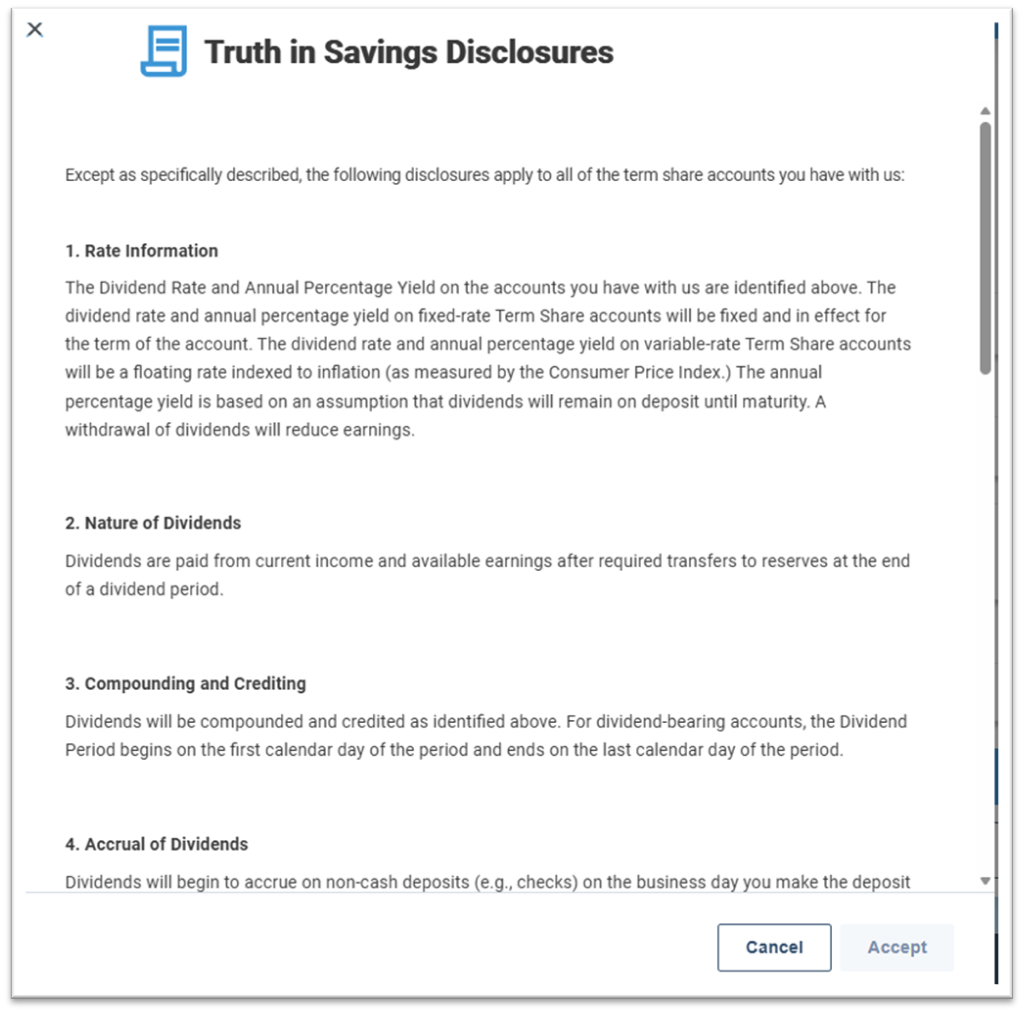
Next, review the Truth in Savings Disclosure. Please read and scroll down through the entire disclosure before the Accept button will be selectable.
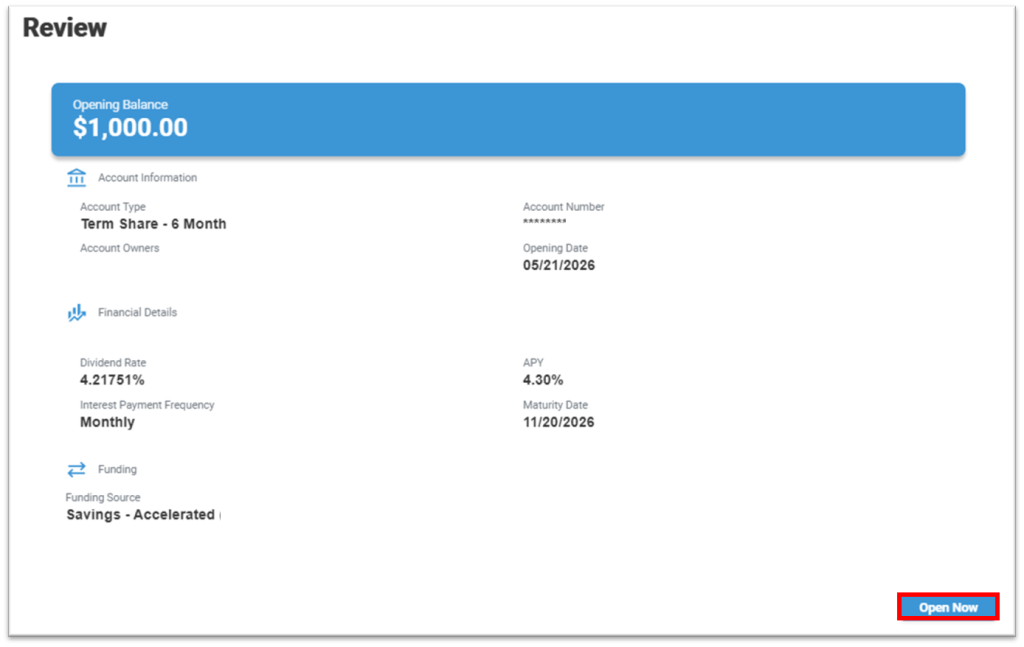
There will be one final screen to review the details of your new Term Share before opening it. To confirm and open the account, select Open Now.