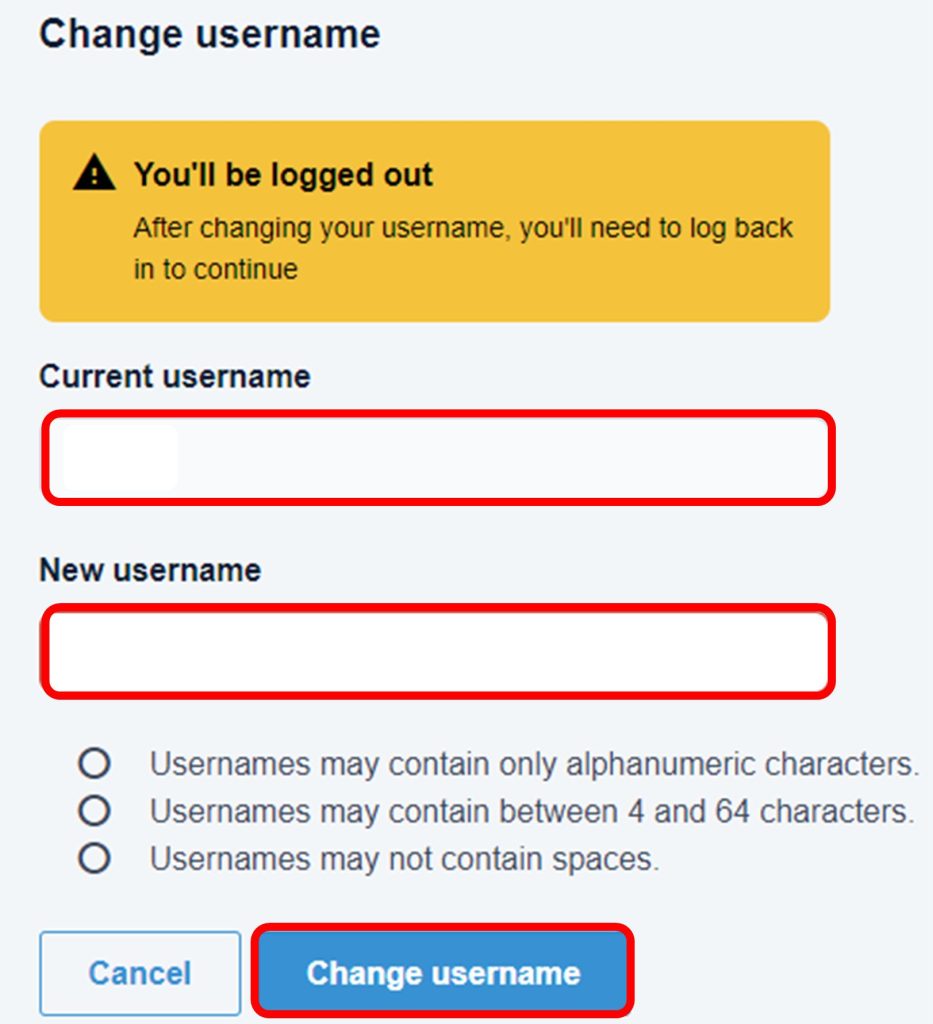
1. Start by logging in to Blue Digital through a browser. *Note: your username can only be changed through the browser version of Blue Digital, not the mobile application.
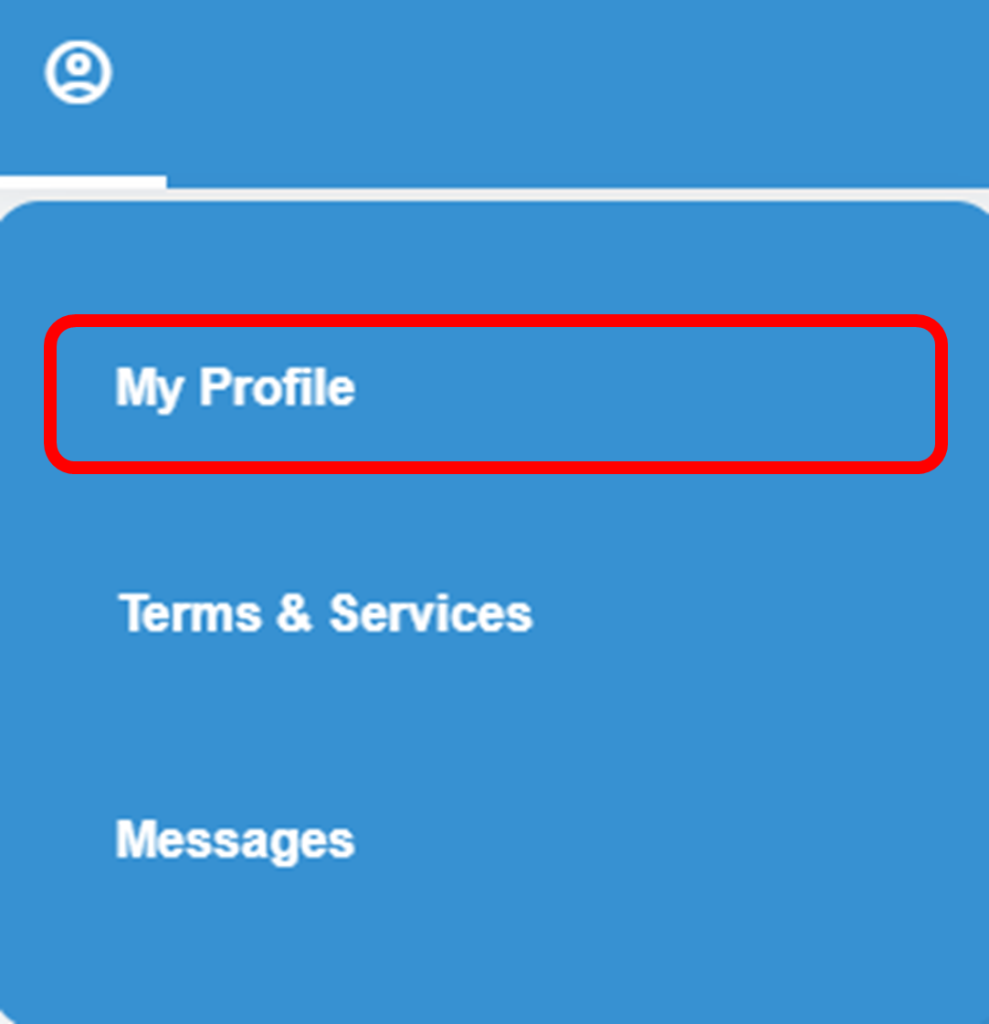
2. Click on the Profile icon at the top of the screen.

3. Select “My Profile.”
4. Select “Login & Security”

5. Select “Change” to the right of “Username.”

6. Enter your new username using between 4 and 64 alphanumeric characters and no spaces.
7. Click on “Change username” to finalize the change.