Begin by logging in to the Blue Digital mobile app.
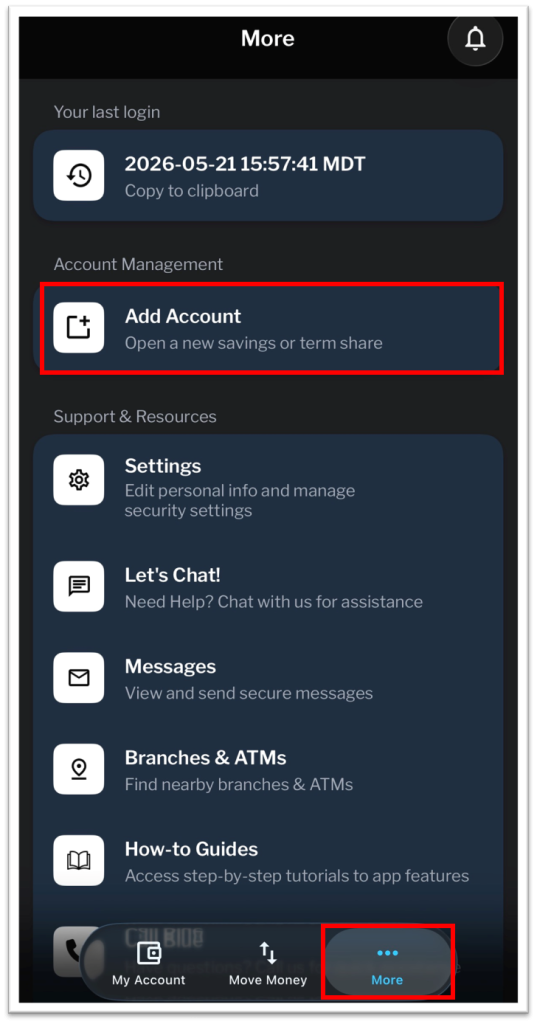
Once logged in, select More at the bottom of the screen, then Add Account.
Scroll until you see Term Shares as an option. Select Learn More to proceed.

Review the available Term Shares and select Learn More next to the type of Term Share you would like to add.

Press the Down Arrow next to each term to view the specific rate. To proceed, press Select Term Share.

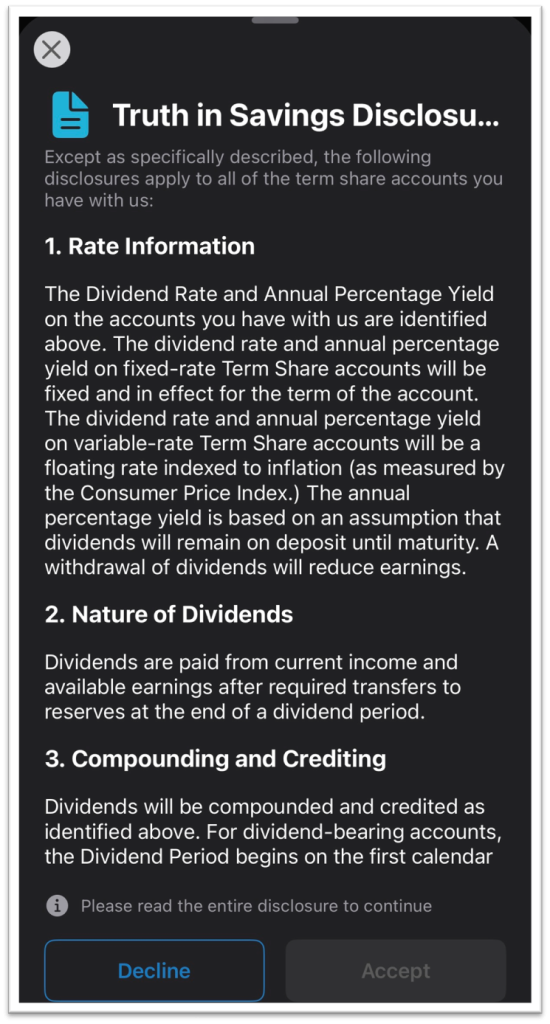
Next, review the Truth in Savings Disclosure. Please read and scroll down through the entire disclosure before the Accept button will be selectable.
After accepting the disclosure, the Term Share Details screen will populate. Select the account on which to add the Term Share.
Additionally, choose the account from which to transfer funds for the Opening Deposit and the amount to transfer. Once each field is complete, the Continue to Review button will be selectable.

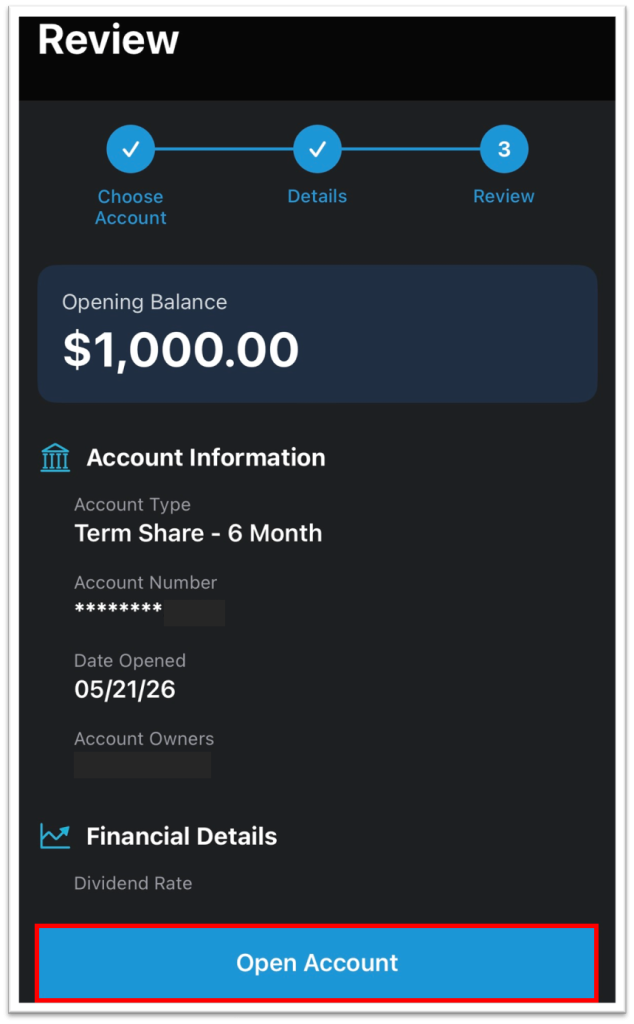
One final review screen will show. If all of the information is correct, select Open Account to finalize adding your new Term Share.