
1. From the My Account page, press directly on an account on which you are primary.
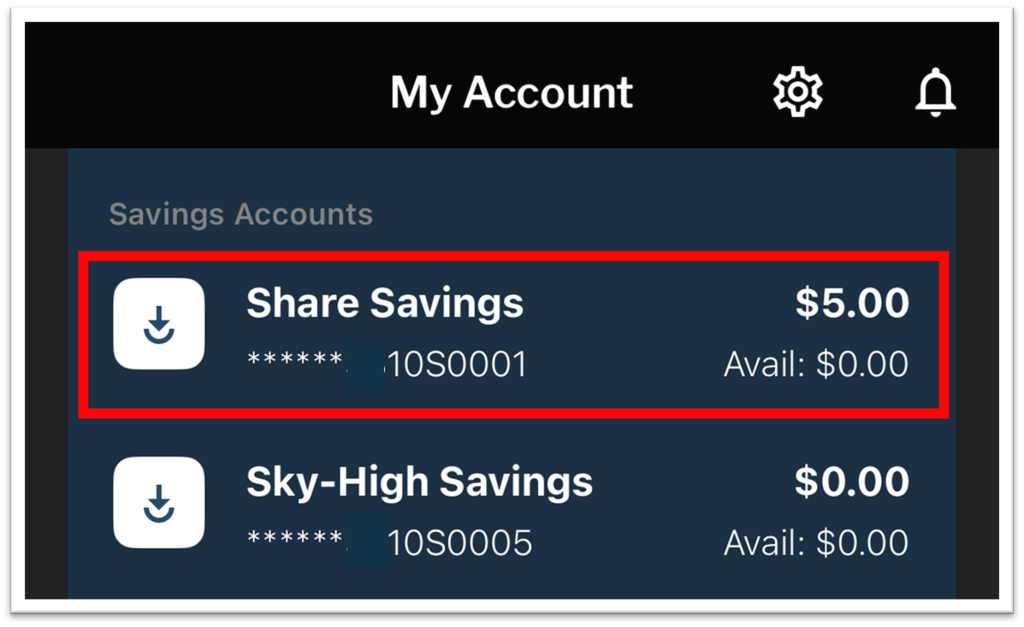
2. Press the “Statements” button. This button will only display through the primary member’s login.

3. Read through the Online Consent for E-Statements and scroll all the way to the bottom of the page.


4. If you accept these terms, enter your email address and select “I Accept.” This will complete enrollment.
If you do not accept the terms, select “I Decline” and you will continue to receive mailed paper statements.
If the Email box does not display, you may need to disable Reader display. To do so, select this icon in the upper right of the screen:

Next, at the bottom of the screen, select “Hide Reader.” You should now be able to see the email box at the bottom of the disclosure.
