
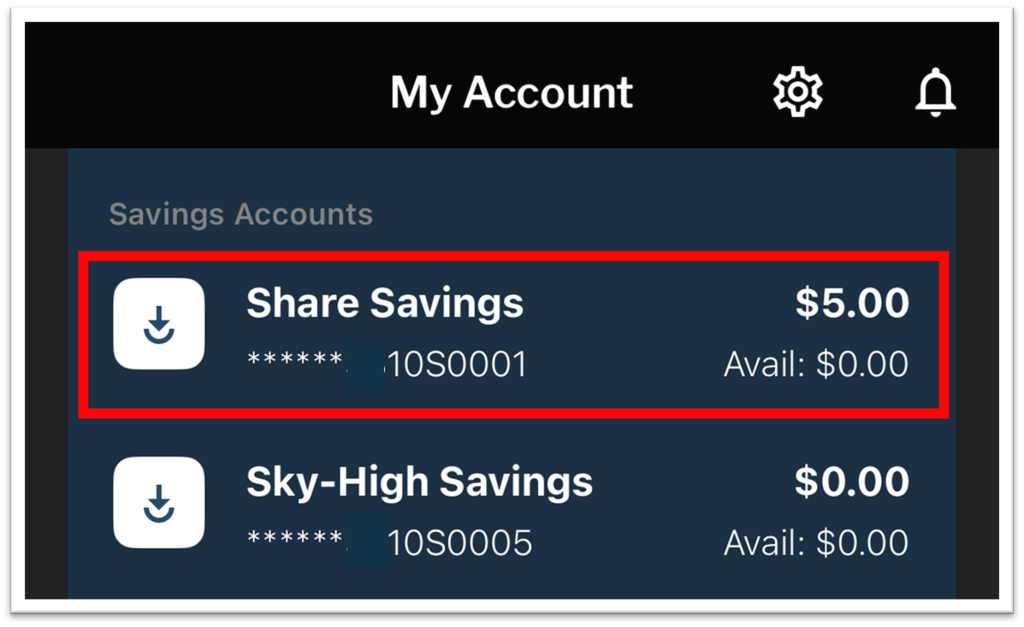
1. From the My Accounts page, press directly on an account on which you are primary.
2. Press the “Statements” button. This button will only display through the primary member’s login.

3. Choose the statement date and select “View.”

Your statement will open in a browser window and may take a moment to load.