Hello and welcome to Blue Digital.
0:05
Now we’re going to talk about making loan payments through Blue Digital.
0:10
One way you could make those loan payments is to click on move money and make a transfer or payment.
0:20
You want to choose the account the money is coming from, then choose the loan that you’re paying towards.
0:25
You could also connect to an external account at another financial institution.
0:29
Right from here, select your transfer date, the date you’d like to make that payment, the frequency, and in this case, we’re going to choose our standard payment.
0:39
Then click continue and once you’re ready, you can confirm that payment.
0:46
Another way, you can click on the top navigation bar Pay Loan.
0:49
Then you choose your account that you’re paying from, then choose the loan that you’re paying.
0:55
Again, you can connect to an external account at another financial institution right from this area.
1:00
Another thing you could do is connect Blue Digital to another financial institution.
1:05
Simply click the self-service on the top navigation bar, click Manage external Accounts and there’s two ways you can connect.
1:13
Click Connect accounts.
1:15
First way is to find your financial institution and you would need your login credentials to that financial institution and then follow the prompts.
1:23
The second way you can connect to another financial institution is connecting by micro deposits.
1:28
Instead, you can name your account, but then you’d need to know your account number and your routing number, and then we would make small micro deposits for a few cents into your other financial institution’s account.
1:40
Then you’d come back here in a few days and enter those amounts and then your accounts would be linked and that’s it.
1:49
That’s how you make payments to your loans in Blue Digital.
1:53
It’s as easy as that.
To make a payment, start by logging in to your Blue Digital account using a web browser.
After you are logged in, select “Pay Loan” from the top of the screen.

If you are paying from one of your other accounts at Blue or from an external account that has already been connected, select it in the “From” drop down menu, and then select your loan in the “To” drop down menu.

If you are paying from an external account that has not yet been connected, select “Connect a New External Account” and follow each prompt until the account is connected. For specific instructions, use this article: How do I link External Accounts? – Online Banking How-to Guide

Once the correct accounts are selected, enter the date you would like the transfer to initiate (it can take 1-3 business days for the funds to move) and choose if you would like it to be a one-time transfer, or a recurring transfer.
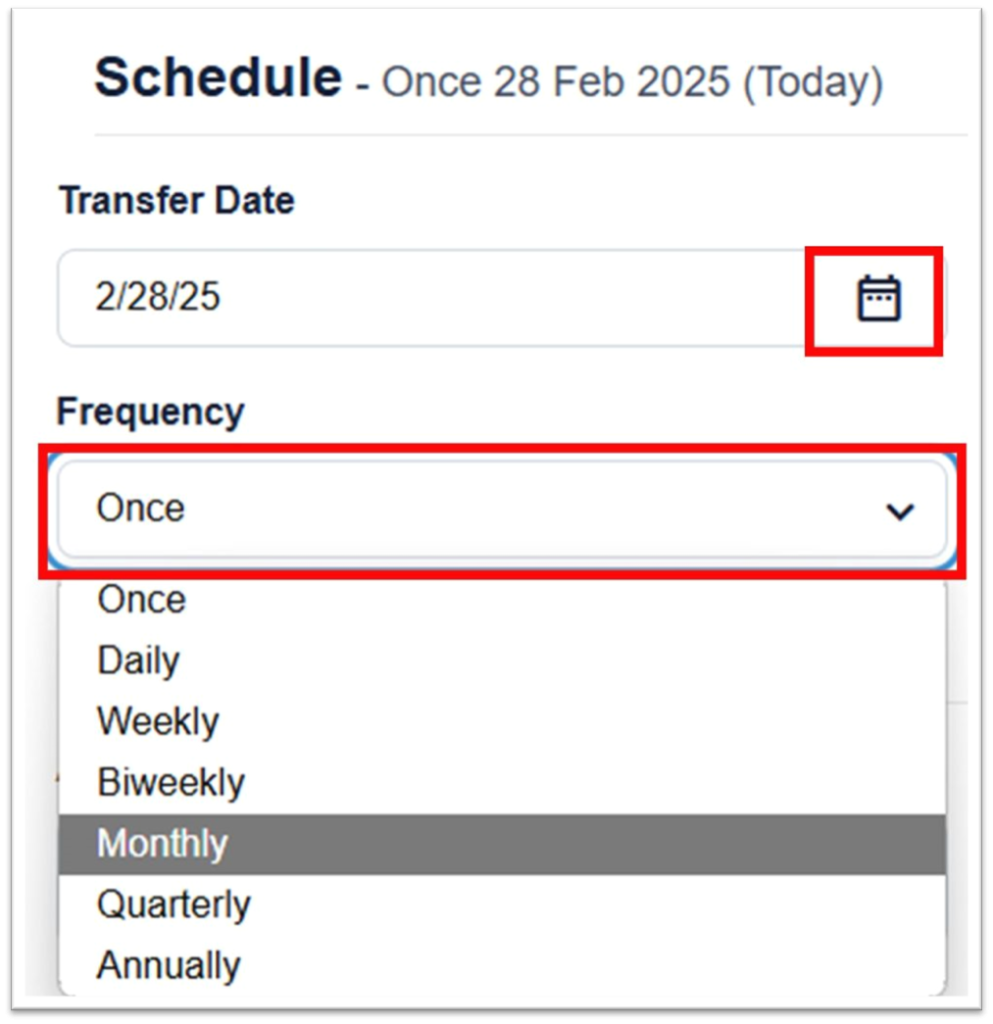
Enter the amount you would like to pay and an optional memo, then click “Continue”

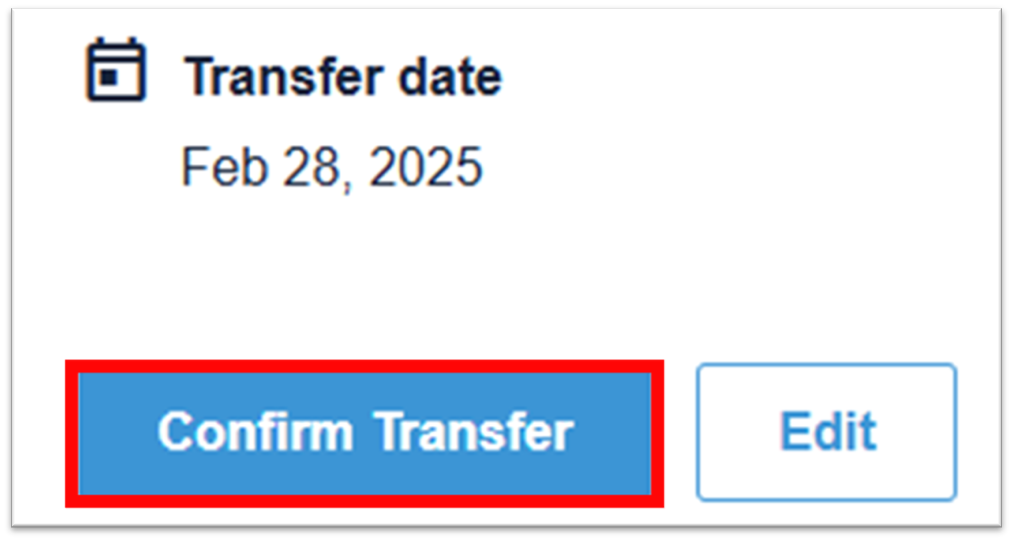
Review the details of the transfer and click “Confirm Transfer” to finalize your payment.