
To set up an automatic payment, start by logging in to your Blue Digital account using a web browser.
After you are logged in, select “Pay Loan” from the top of the screen.

If you are paying from one of your other accounts at Blue or from an external account that is already connected, select it in the “From” drop down menu, and then select your loan in the “To” drop down menu.

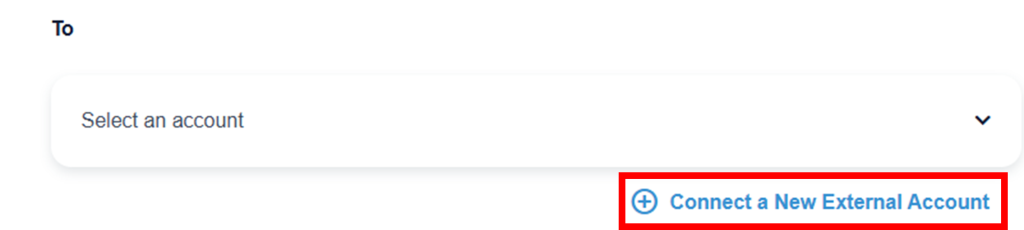
If you are paying from an external account that has not yet been connected, select “Connect a New External Account” and follow each prompt until the account is connected. For specific instructions, use this article: How do I link External Accounts? – Online Banking How-to Guide
Once the correct accounts are selected, enter the date you would like the first automatic payment to start (it can take 1-3 business days for the funds to move) and choose the frequency of the automatic payment.

Enter the amount you would like transferred on each occurrence and an optional memo, then click “Continue.”

Review the details of the transfer and click “Confirm Transfer” to finalize your automatic payment.