
1. From the landing page, click on “Self Service.”

2. On the dropdown menu, select “Statements.”

3. Select an account by clicking in the white space or on the dropdown arrow to the right.
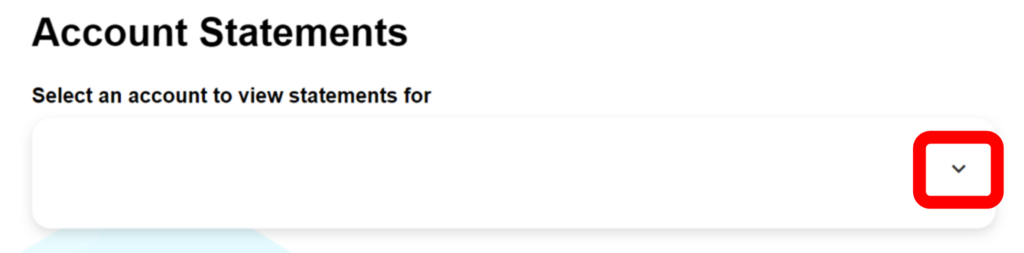
Once you have selected an account, a full list of statements will populate on the page. Sometimes it takes a few moments to load.
5. Click on the blue button, “View statement” next to the date of the statement you would like to view.
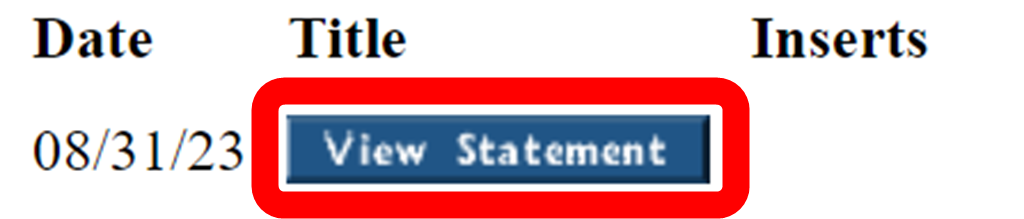
A pdf version of the statement will populate, and you can choose to download, save, or print.