
Locking Your Account on Mobile
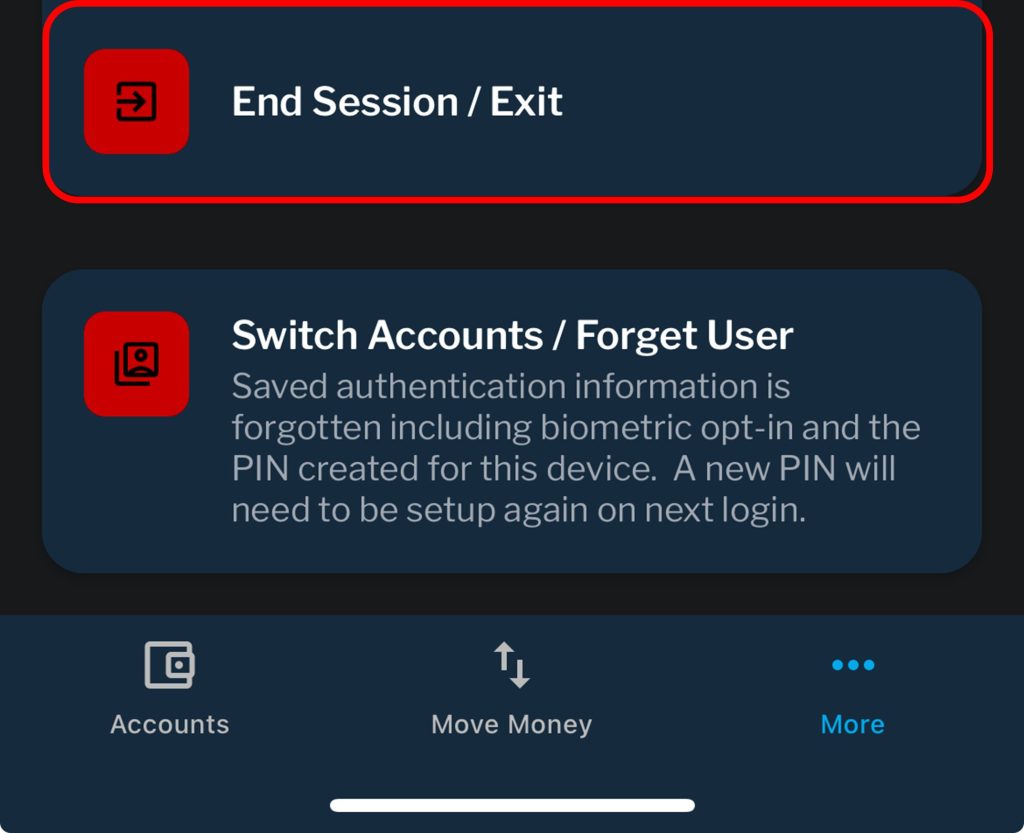
The End Session/Exit feature, accessible through the “More” button, enhances the security of your account by allowing you to temporarily secure it while retaining the convenience of biometric (FaceID or TouchID) authentication for when you wish to log back in.
This feature is particularly useful when you may need to hand over your device to someone else (or if your device is shared among multiple users) but wish to prevent unauthorized access to your Blue account(s).
Logging Off
The Switch Accounts/Forget User feature offers a more comprehensive security measure compared to the Lock feature. When you log off, re-accessing your account requires entering your username, password, a unique code, and biometric verification.
This level of authentication is recommended when you need to switch between different accounts (e.g., moving from your personal to your business account) to ensure that each account remains secure and separate from the others.
