
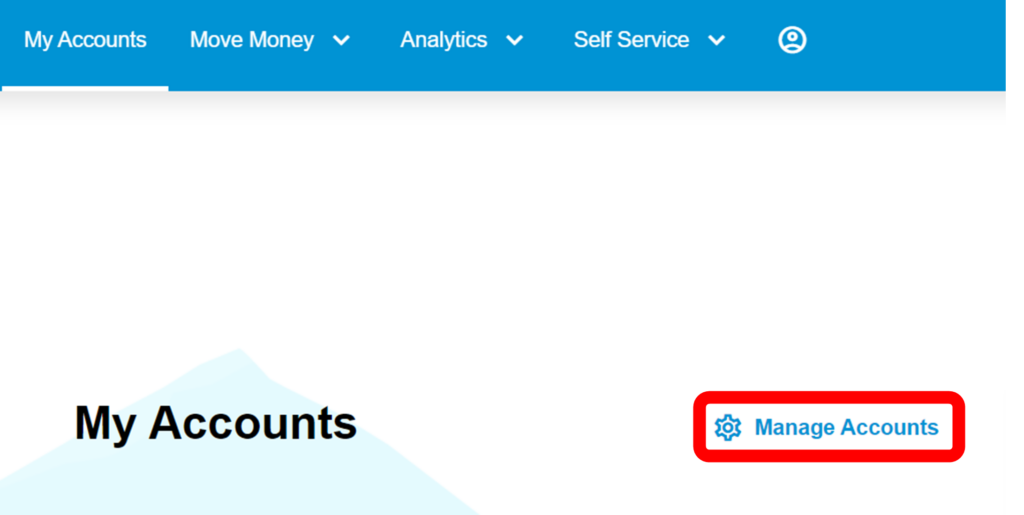
1. To choose which accounts you would like to see on the landing page, select “Manage Accounts.”
2. Click on the toggle button to the right of the account balance. By default, every account will display on the landing page.
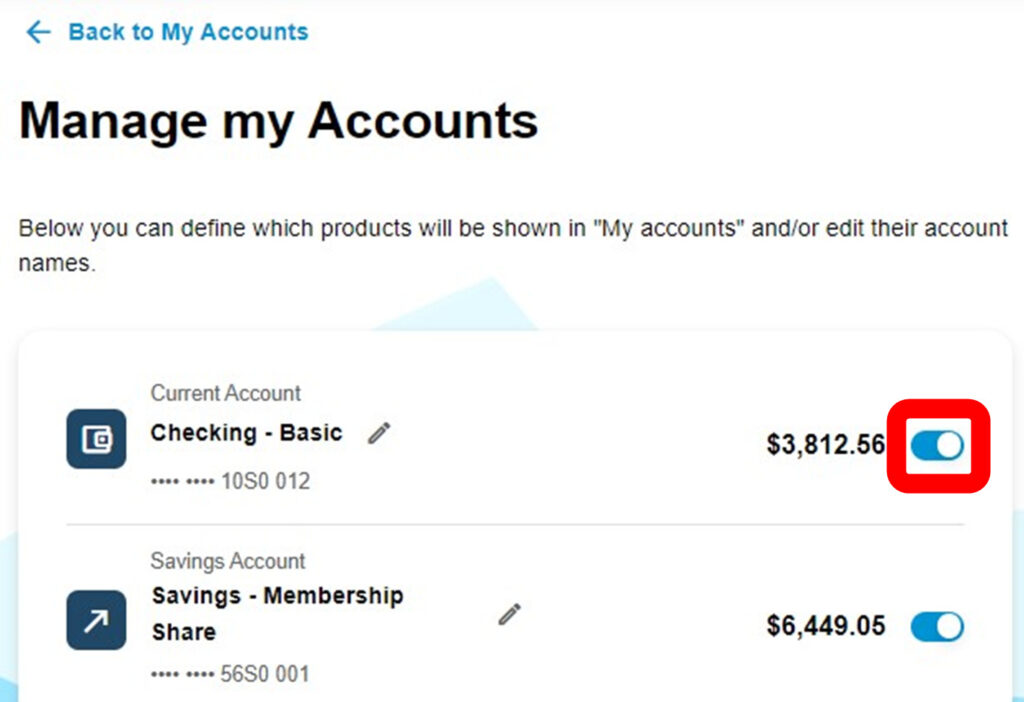
Once the toggle button is clicked, the button will be greyed out and will no longer show up on the landing page.
If you would like a hidden account to show up on the landing page, click on the greyed-out toggle button and the account will again be visible.