
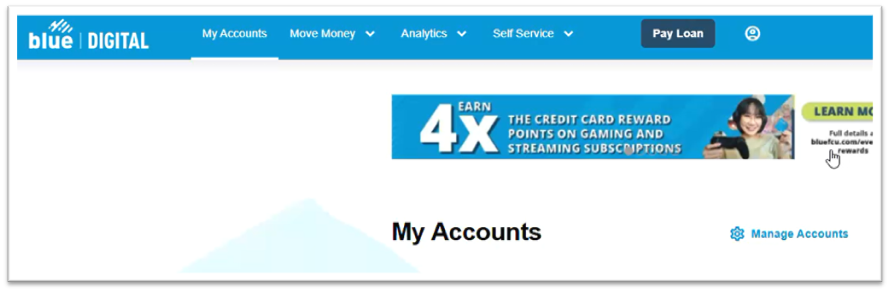
To view your investment account, start by logging into Blue Digital using a web browser.
From the My Accounts screen, scroll down and you should see your investment account listed last. Click directly on it.

You may need to enable popups for the new page to load.
After several seconds, you should see an overview of your Investments account.
