
Quick Actions are available on the Manage Accounts page.
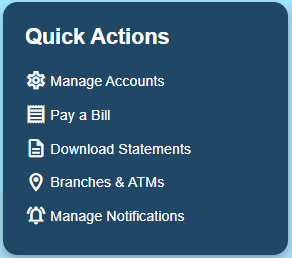
Manage Accounts
Use this to change the name of an account and select which accounts are visible on the landing page.
Pay a Bill
This will take you to Bill Pay which can be used to send money to businesses or individuals as either a mailed check or an electronic transfer.
Download Statements
Here, you can access your eStatements as pdfs available to download or print.
Branches & ATMs
Use this to view our branch and ATM locations, hours, and available services.
Manage Notifications
Here, you can customize the notifications you would like to receive for an account. For instance, you can choose to receive a notification if the balance on an account falls under a certain amount.