
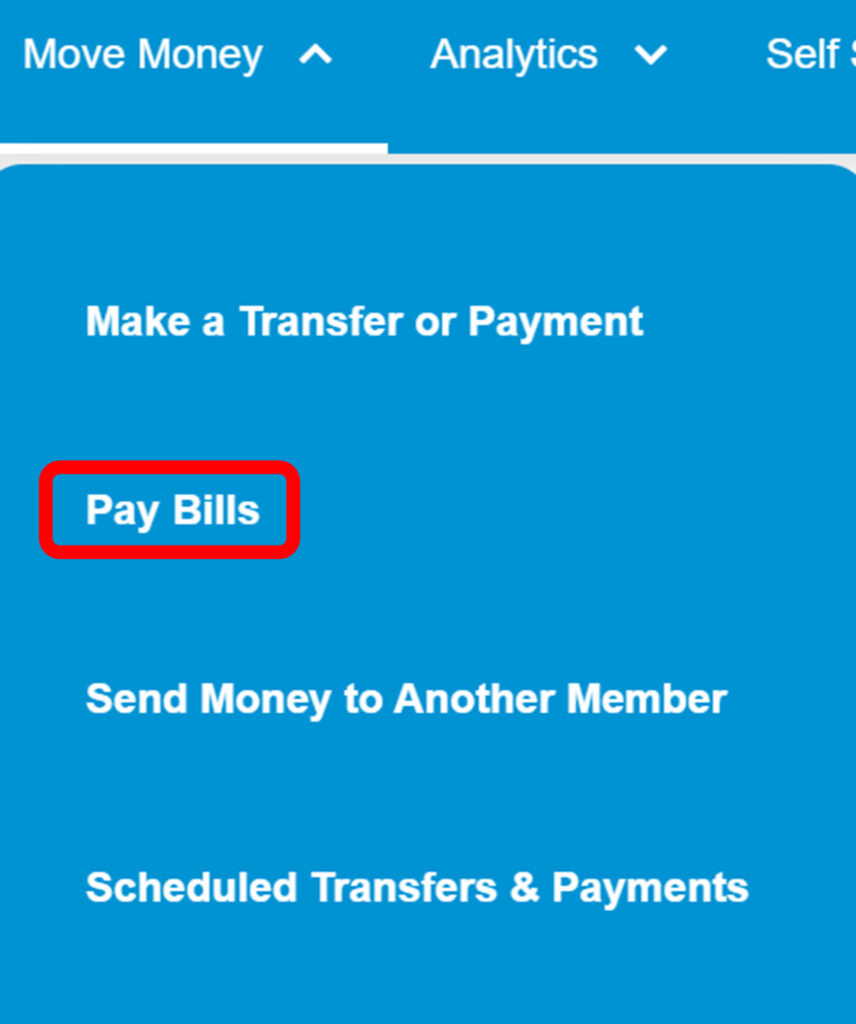
1. From the landing page, click on “Move Money.”

2. On the drop-down menu, select “Pay Bills.”
Funds can either be sent as a mailed check or an ACH electronic transfer.
*Note: Bill Pay is for sending money to external companies or individuals.
To transfer funds to your own external accounts, please see the article “How do I transfer to and from my account at another financial institution?“