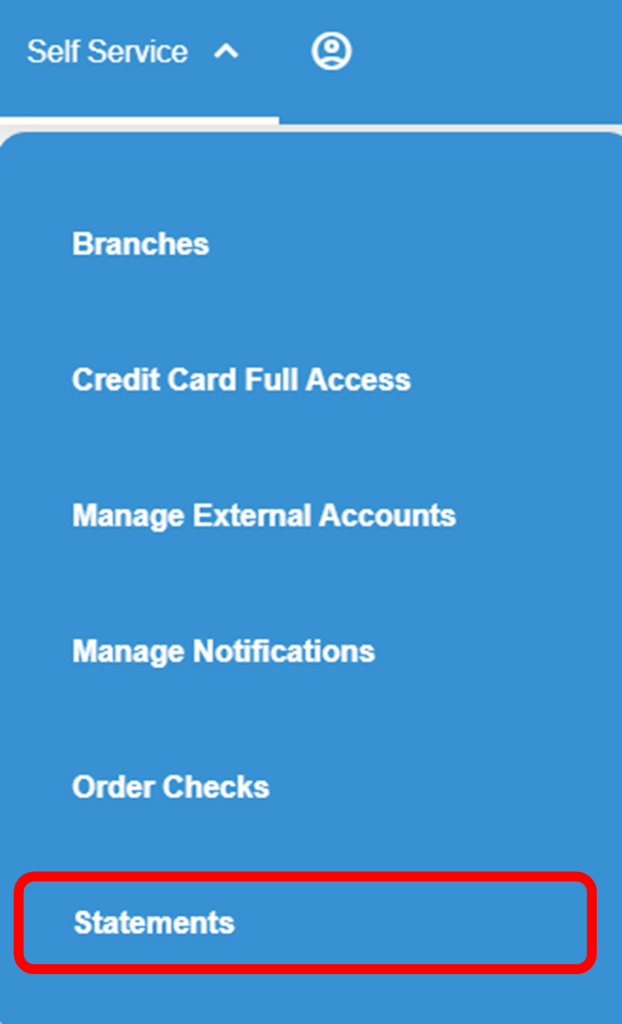
1. Login to Blue Digital and click on “Self Service.”

2. On the dropdown menu, select “Statements.”
3. Click on the dropdown arrow and select the account that you would like to enroll in eStatements.

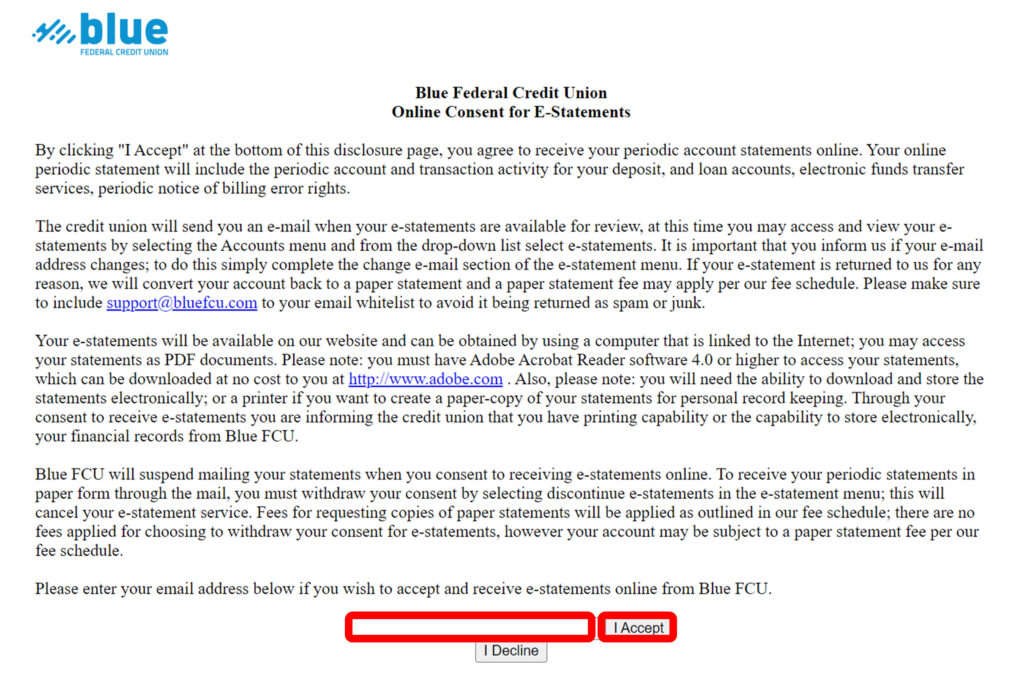
4. Read the Terms and Conditions of our Online Consent for eStatements.
5. To enroll, type in your email address at the bottom of the agreement and click “I Accept.”