
1. After logging in, select “Move Money” near the top of the screen.

2. In the dropdown menu, select “Send Money with Zelle®.”

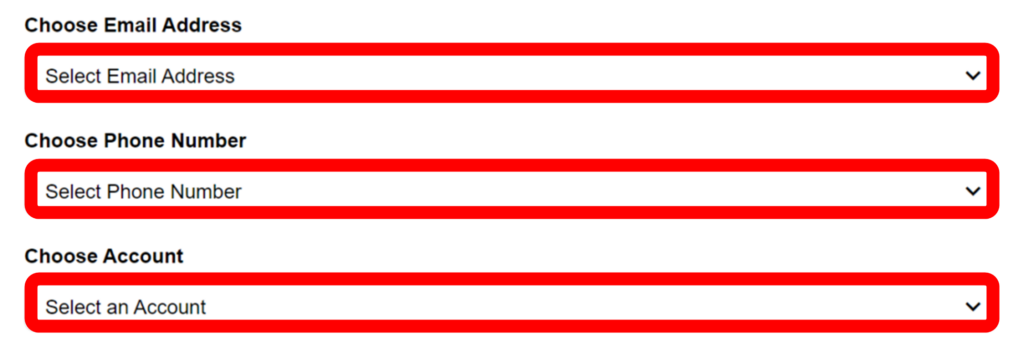
3. Choose an email address, phone number, and account to use with Zelle®.
4. Read the Terms and Conditions and check the box.

5. Select “Submit” to complete registration.
*Note: Zelle® should only be used to send money to people you directly know.