
1. To report a transaction as fraudulent, start on the landing page and select the account from which the transaction originated.

2. Find and click on the transaction.

3. Click on the “Report” button.

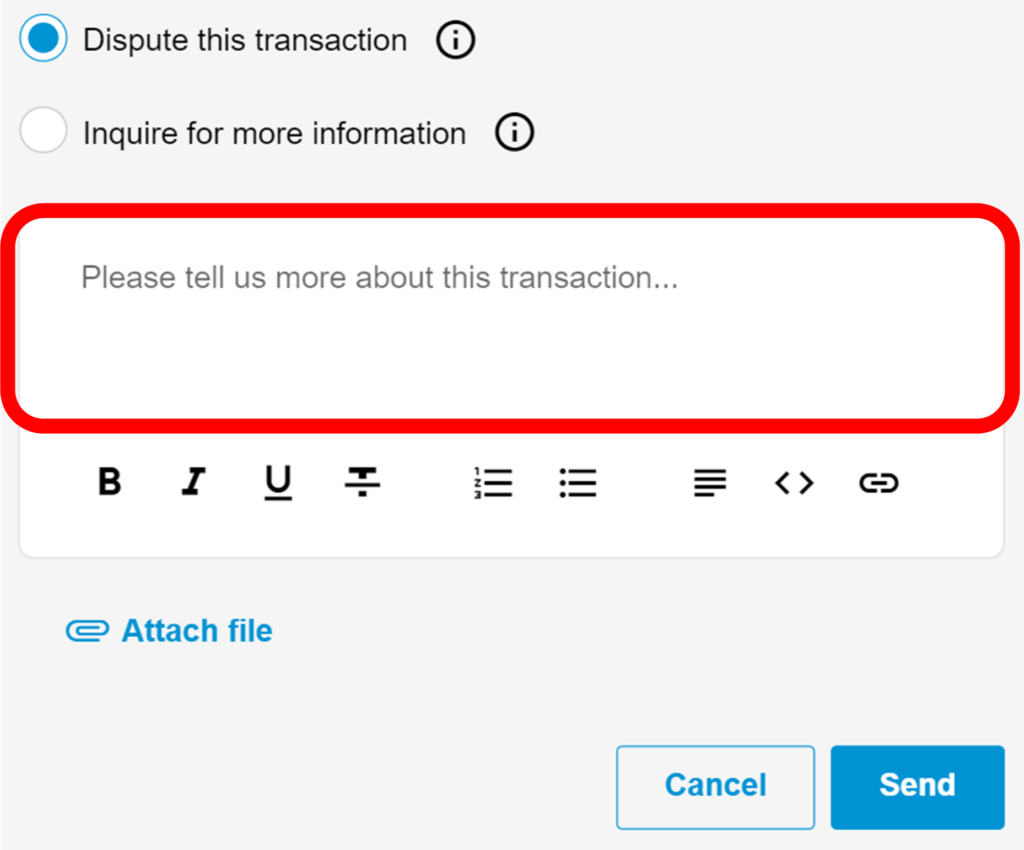
4. You can either dispute the transaction or inquire for more information.

5. If disputing the transaction, provide as much detail as possible in the text box.
6. Attach any relevant documents using the “Attach file” button.
7. Click on “Send” to submit the dispute or inquiry.
