1. To switch between accounts, select “More” at the bottom of the screen.

2. Select “Switch Accounts/Forget User.”

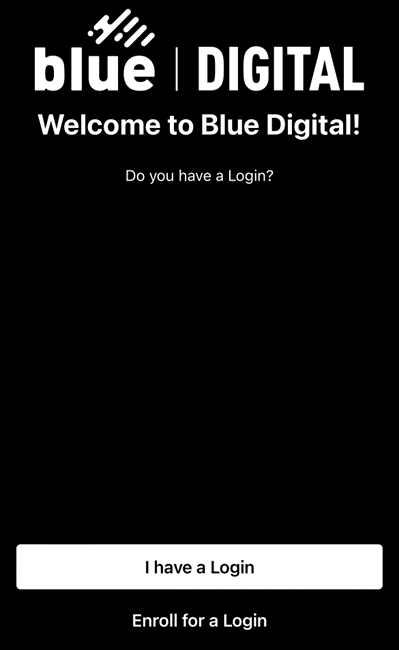
3. If you have already enrolled your other account in Blue Digital, select “I have a Login.” If not, select “Enroll for a Login.”

1. To switch between accounts, select “More” at the bottom of the screen.
2. Select “Switch Accounts/Forget User.”
3. If you have already enrolled your other account in Blue Digital, select “I have a Login.” If not, select “Enroll for a Login.”
Need Support?
Can’t find the answer you’re looking for? Don’t worry we’re here to help!