
1. From the landing page, click on the account for which you would like to view your transactions.

2. Your transactions will be listed chronologically. Click directly on a transaction to view details.
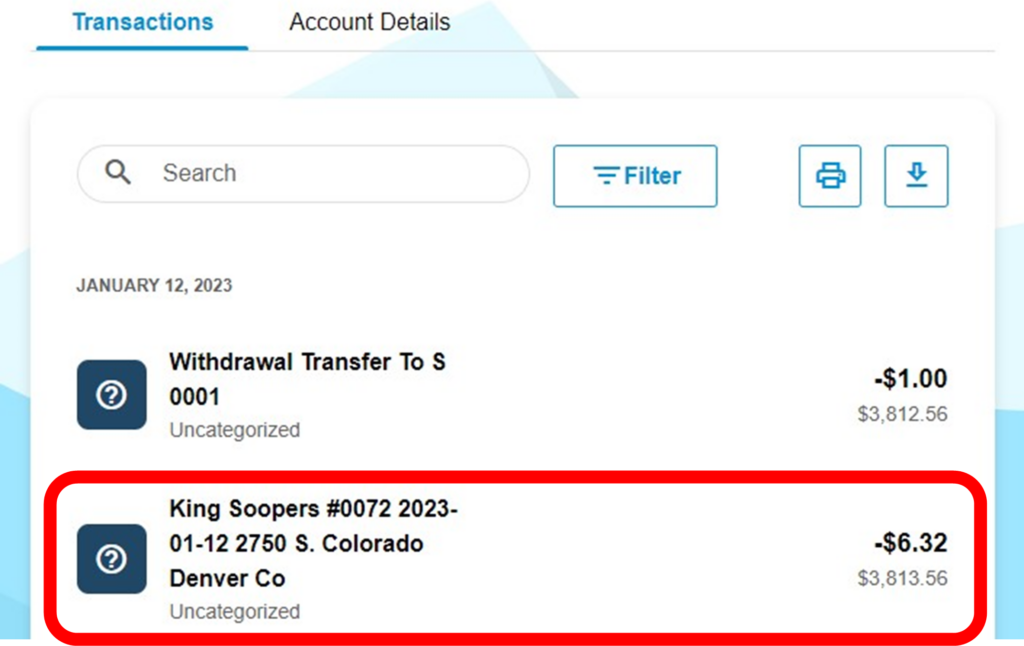
3. On the details screen, you can categorize the transaction, add a note, export, or report the transaction.

To search for a specific transaction, see the article How do I find a specific transaction?