
For moving money from one of your shares to another.
1. Click on the “Move Money” option.

2. Click on the down arrow and then click “Make a Transfer or Payment.”
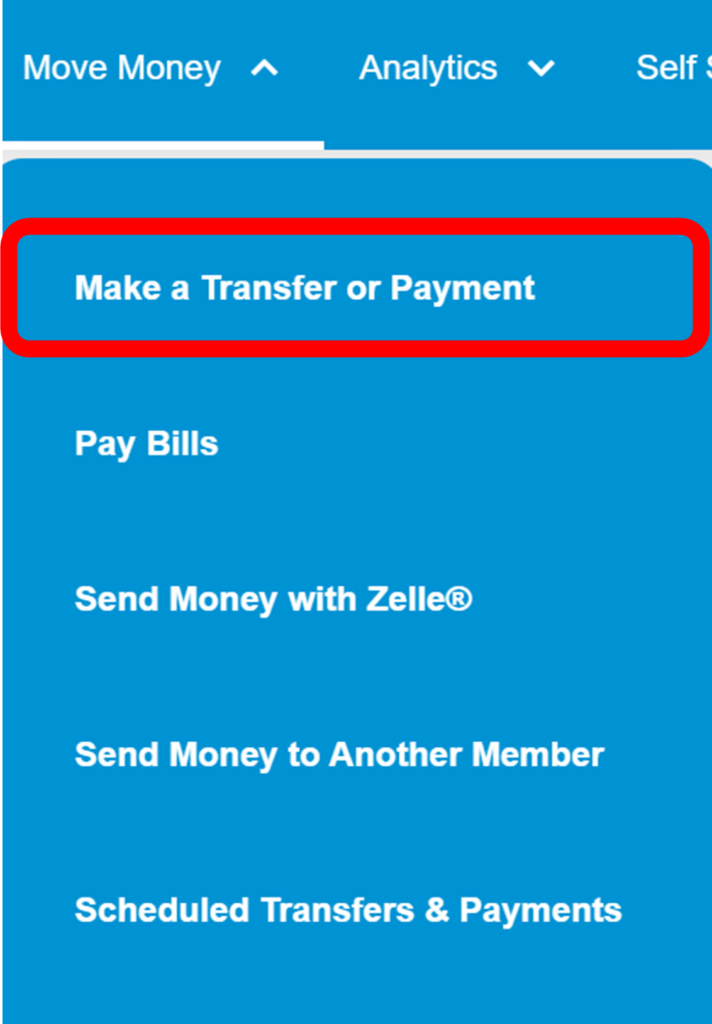
3. On the next screen, you will choose the accounts you are moving between by selecting one account in the “From” section and one account in the “To” section.
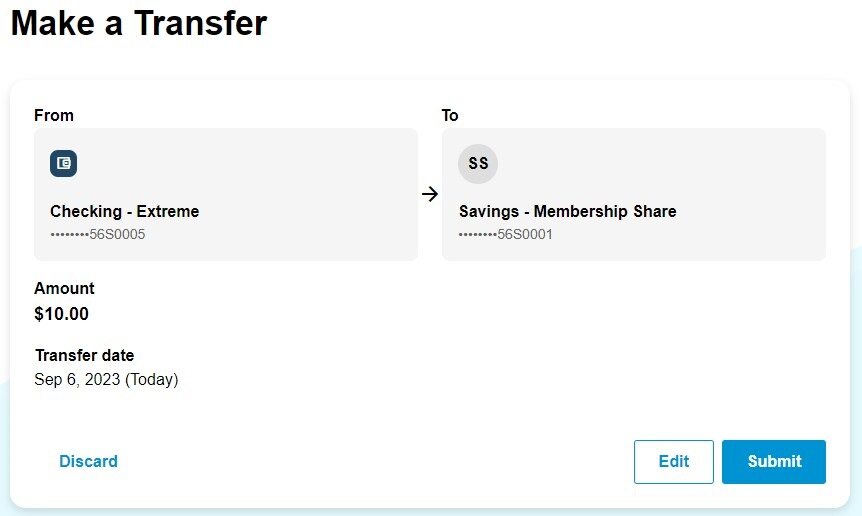
4. Type in the amount you want to transfer and choose the date you want your transfer to take place. Keep in mind, these can be scheduled ahead of time.
5. Click “submit” to finalize your transfer.
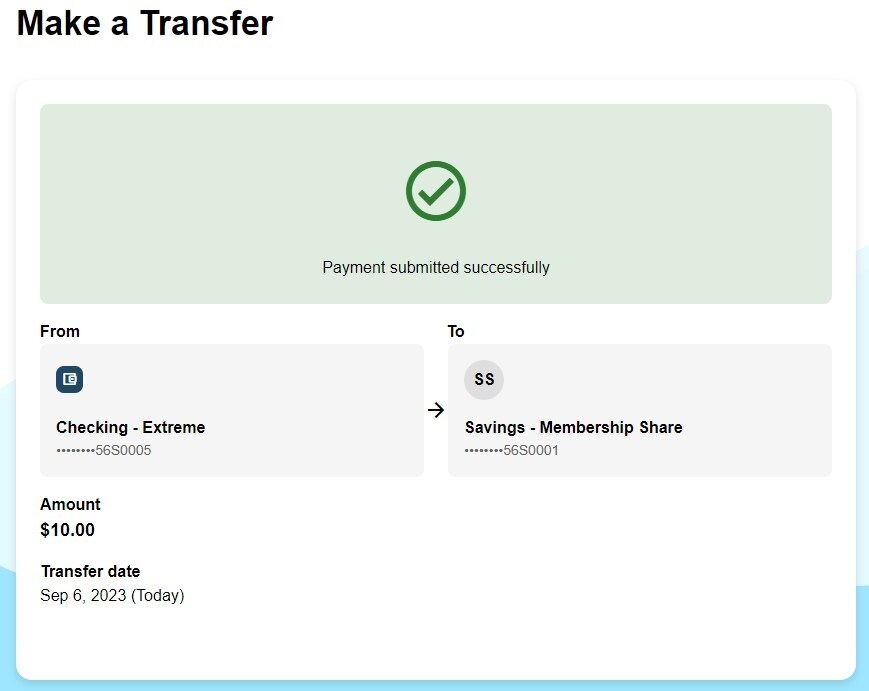
6. Your transfer is complete when your reach the final confirmation page shown above.