
The Manage Accounts option allows you to:
- Change the name of an account
- Choose which accounts are visible on My Accounts (Landing Page)
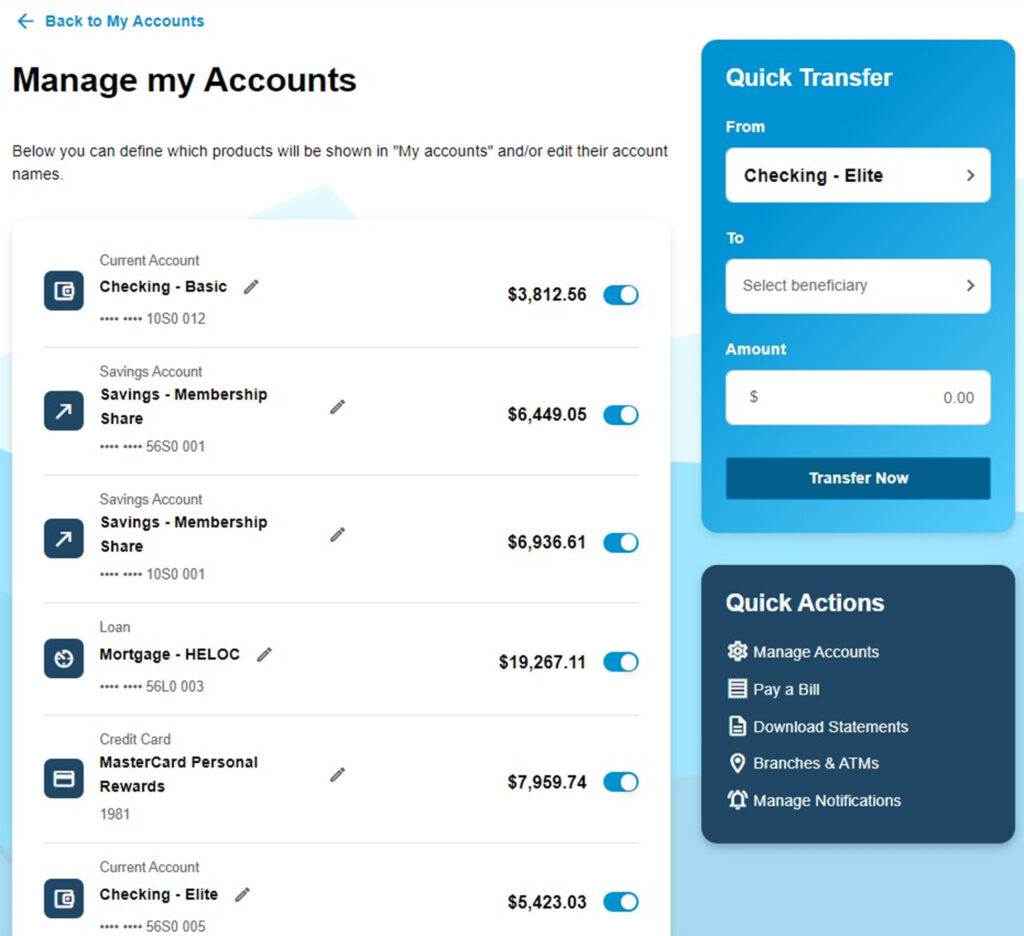
To edit the name of an account, click on the pencil icon next to the account name.

To choose whether an account will be visible on the My Accounts page, click on the toggle button next to the account balance.
